Sales Pipeline: Managing Your Sales Funnel

A sales pipeline is a visual representation of all your ongoing business opportunities, organized by the stage they’re at within your sales process. It’s literally the roadmap of your future business. Unlike a simple contact list, the pipeline shows you where each opportunity stands, who manages it, and how much it’s worth. With this information, you can make data-driven decisions instead of relying on gut feelings.
Table of Contents
- Classic Pipeline Stages
- Key Pipeline Metrics
- Common Mistakes
- How Salesly Helps
- Manage your sales pipeline with Salesly
- Frequently asked questions
Key Takeaways
| Point | Details |
|---|---|
| Visual roadmap | A sales pipeline is the visual roadmap of all active opportunities |
| 5 classic stages | Prospecting, Qualification, Proposal, Negotiation, and Closing |
| 4 key metrics | Track conversion rate, time per stage, pipeline value, and velocity |
| Stale opportunities | Opportunities inactive for 30+ days should be reviewed or closed |
Classic Pipeline Stages
While every company is different, most pipelines share these stages:
- Prospecting: Identifying potential customers
- Qualification: Verifying the prospect has the need, budget, and decision-making authority
- Proposal: Sending a quote or commercial proposal
- Negotiation: Adjusting terms, pricing, or scope
- Closing: Signing the agreement and converting to an order
In Salesly, you can customize these stages to reflect your exact process. If you sell consulting services, you might need a “Demo” stage. If you sell physical products, “Sample Shipping” could be key.
Pro tip: Start with no more than 5–6 stages. You can always add more later, but removing stages once your team is used to them creates friction and data inconsistencies.
Key Pipeline Metrics

A pretty pipeline isn’t enough. You need to measure it:
- Conversion rate by stage: How many opportunities move from Qualification to Proposal? If the percentage is low, you might be qualifying too early.
- Average time per stage: If opportunities stall at Negotiation, your internal approval process might be too slow.
- Pipeline value: The sum of the potential value of all open opportunities, weighted by closing probability.
- Pipeline velocity: Average time from first interaction to close.
Pro tip: Review your pipeline metrics weekly with your sales team. A 15-minute pipeline review meeting can surface bottlenecks before they become revenue problems. Use Salesly’s analytics dashboards to automate this reporting.
Common Mistakes
Bloated pipeline: Opportunities that have been inactive for months but nobody dares to close as lost. This distorts your forecasts. Rule: if there’s been no activity in 30 days, review or close it.
Unclear advancement criteria: If you don’t define what it means to move from Qualification to Proposal, each rep will use their own criteria. Result: an inconsistent pipeline.
Too many stages: More than 7 stages usually creates confusion and slows down flow. Simplify.
Pro tip: Create a shared document with clear definitions for each stage transition. For example: “A deal moves to Proposal only after the prospect confirms budget range and timeline.” This eliminates guesswork and keeps your pipeline data reliable.
How Salesly Helps
Salesly’s pipeline module includes:
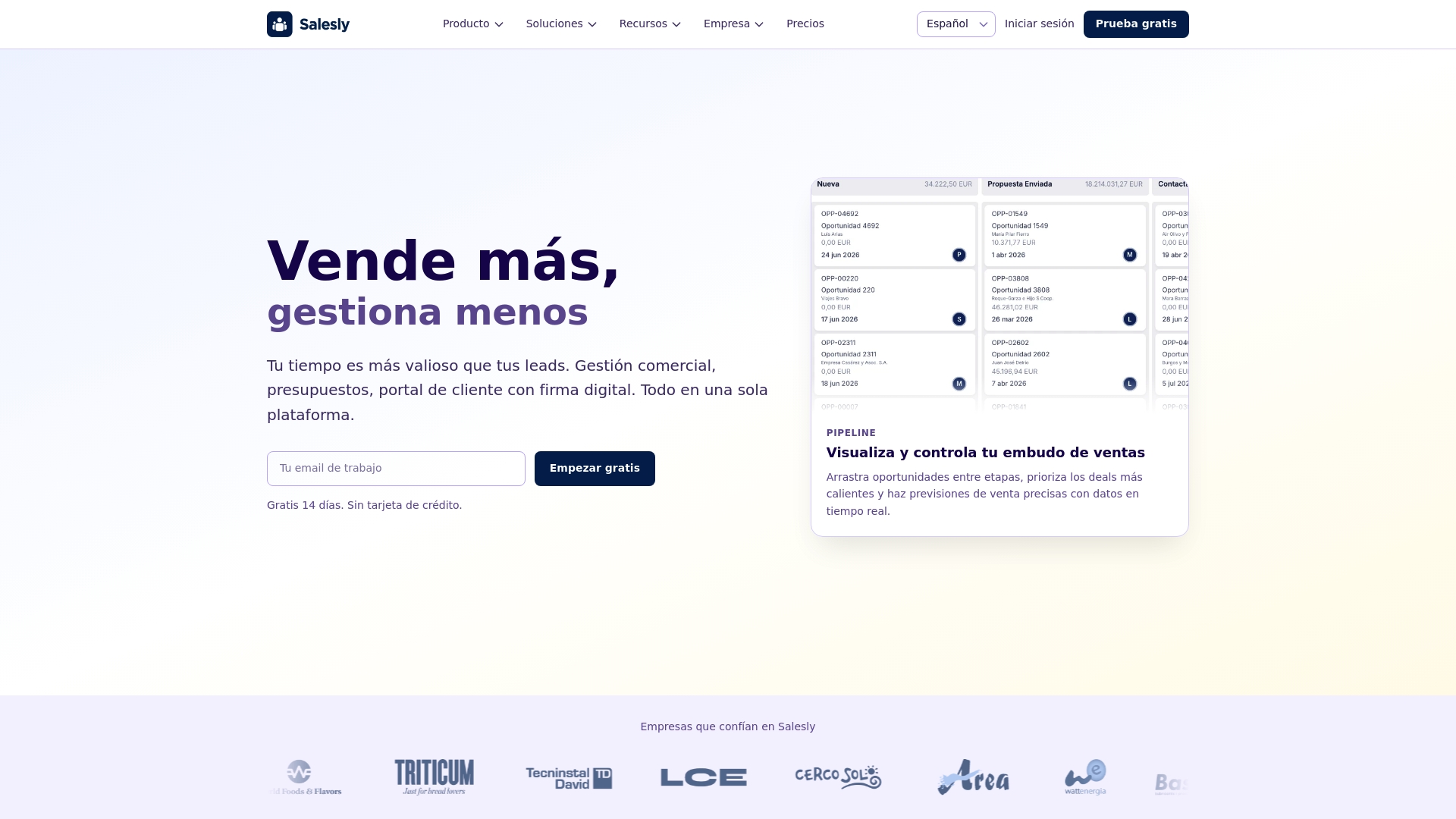
- Board view (Kanban-style) to drag opportunities between stages
- Filters by rep, value, and date for segment analysis
- Automatic alerts when an opportunity has been inactive too long
- Dashboards with conversion, velocity, and value metrics
Plus, when an opportunity closes as won, you can convert it to an order with a single click, keeping all products and conditions intact.
Manage your sales pipeline with Salesly
A well-managed pipeline isn’t just an organizational tool — it’s your window into the company’s future. Invest time in designing it, measuring its metrics, and cleaning out stalled opportunities. Your sales team and revenue forecasts will thank you.
Explore all Salesly features to get the most out of your sales pipeline and start closing more deals today.
Frequently asked questions
What is the difference between a sales pipeline and a sales funnel?
A sales pipeline focuses on the seller’s actions and stages that move a deal forward, while a sales funnel describes the buyer’s journey from awareness to purchase. The pipeline tracks individual opportunities; the funnel measures aggregate conversion rates across all prospects.
How many stages should my sales pipeline have?
Most effective pipelines have between 4 and 7 stages. Fewer than 4 stages may not give you enough visibility into where deals stall, while more than 7 tends to create confusion and slow down your sales process. Start simple and add stages only when you identify a clear need.
How often should I clean my sales pipeline?
Review your pipeline at least once a week. Any opportunity that has been inactive for 30 or more days should be evaluated — either re-engage the prospect with a new approach or close it as lost. A clean pipeline gives you accurate forecasts and helps your team focus on winnable deals.
Can I customize pipeline stages in Salesly?
Yes. Salesly lets you create, rename, and reorder pipeline stages to match your unique sales process. You can also set up automatic alerts for stale opportunities and define custom fields for each stage. Learn more about Salesly’s sales module.
Related articles
CRM and VeriFactu: preparing your sales process for electronic invoicing in Spain
VeriFactu will be mandatory in Spain by 2026. Learn how a sales platform with ERP integration helps you comply without changing your sales workflow.
What Is Sales Management: A Practical Guide for 2026
Learn what sales management is, its strategic functions, and how to optimize it through digitalization. A complete guide with best practices for 2026.
The Future of Sales Platforms with AI
Discover how artificial intelligence is transforming sales platforms and redefining the sales process with AI agents, predictive analytics, and automation.