
CRM with invoicing: how to connect it and what VeriFactu requires
If your sales team builds quotes in one tool while finance issues invoices in another, you already know the cost: the same data gets typed twice, and every manual copy is a point of failure. Searching for a “CRM with invoicing” is usually the first step toward fixing it. This article explains what that phrase actually means, how the two systems connect in practice, and what VeriFactu and B2B electronic invoicing require. Those are two different regulations, and they are constantly confused.
Table of Contents
- Good to know
- What “CRM with invoicing” means (and what a CRM does not do)
- VeriFactu and B2B e-invoicing are not the same obligation
- How to connect your CRM to your invoicing software
- The quote-order-invoice flow
- What to look for in your sales platform
- Get your team ready with Salesly
- Frequently asked questions
Good to know
| Point | Details |
|---|---|
| “CRM with invoicing” means two things | Either the CRM invoices natively, or it syncs orders with an ERP that invoices. In Spain the second is the norm. |
| VeriFactu applies from 2027 | 1 January 2027 for corporate income tax payers, 1 July 2027 for everyone else, including the self-employed. |
| The 8 million threshold is not VeriFactu | It belongs to B2B e-invoicing under the Crea y Crece law. VeriFactu triggers on tax regime, never on turnover. |
| Native integration is the only one that scales | APIs and middleware work but need maintenance. Manual file export multiplies tax-data errors. |
| Failures cluster in three places | Duplicate contacts from unmatched tax IDs, misaligned VAT rates, and discounts that differ between order and invoice. |
What “CRM with invoicing” means (and what a CRM does not do)
The phrase is used for two very different things, and choosing the wrong one is expensive:
- A CRM that invoices natively. The CRM itself issues the invoice. Convenient if you invoice at low volume with simple tax cases, but it ties you to that vendor keeping its Spanish compliance current.
- A CRM that integrates with an invoicing ERP. The CRM handles contacts, opportunities, quotes and orders, and the ERP issues the invoice from those orders. This is the dominant model among Spanish SMBs.
The second option has a regulatory reason, not just a technical one: VeriFactu record-keeping obligations fall on the invoicing system, meaning the program that issues the invoice. Your sales tool is not subject to those requirements as long as it does not issue invoices. Separating the two roles reduces the regulatory surface you have to maintain, and it lets you change CRM without touching your invoicing.
What a CRM should contribute to invoicing is clean data at the source: a valid tax ID, correct legal name, registered address, the applicable VAT rate and agreed terms. If those fields start out wrong on the quote, no ERP fixes them later.
VeriFactu and B2B e-invoicing are not the same obligation
This is the most widespread confusion, and most articles about CRM and invoicing blend the two regulations into the same paragraph. They are independent obligations with different triggers and timelines.
VeriFactu: by tax regime, from 2027
VeriFactu comes from Royal Decree 1007/2023 and sets the requirements your invoicing software must meet: a record of every invoice, hash chaining, tamper resistance, and, in the verifiable mode, transmission of those records to the Spanish tax agency.
Royal Decree-Law 15/2025, published in the BOE on 3 December 2025 and subsequently ratified by Parliament, postponed application by one year:
- 1 January 2027: corporate income tax payers (S.A., S.L. and other legal entities).
- 1 July 2027: all other obliged parties, including the self-employed and professionals.
The trigger is the tax regime, not turnover. An S.L. invoicing 300,000 euros is caught on 1 January 2027 exactly like one invoicing 30 million.
Software vendors had their own deadline, 29 July 2025, which has already passed. That means you can ask your invoicing provider to confirm compliance in writing today: it is not a future promise, it is an obligation that already applies to them.
B2B electronic invoicing: by turnover, from 8 million
This is a different obligation. It comes from article 12 of Law 18/2022, known as Crea y Crece, and requires issuing and receiving invoices electronically in all transactions between companies and self-employed professionals established in Spain. Its implementing rules arrived with Royal Decree 238/2026, published in the BOE on 31 March 2026.
This is where the threshold so often misattributed to VeriFactu actually lives:
- 12 months for companies with annual turnover above 8 million euros.
- 24 months for all other companies and self-employed professionals.
Both windows are counted from publication of the ministerial order carrying the technical specifications, still pending at the time of writing, so the final dates depend on when it appears. Non-compliance can carry penalties of up to 10,000 euros.
In short: VeriFactu tells you how your software must record invoices and lands in 2027 based on your tax regime. Crea y Crece tells you in what format you must exchange them with other companies and phases in by turnover. You can be caught by one and not yet by the other.
How to connect your CRM to your invoicing software
This is the practical question, and it has four possible answers, ordered from most to least robust.
The four connection routes
- Native integration. Both products know each other and maintain the connector officially. It syncs in real time and in both directions, and maintenance sits with the vendors. It is the only route that does not create work for you when either platform changes.
- Public API. Flexible and powerful, but somebody has to build and maintain that integration. Every version change at either end is work for you or your provider.
- Middleware (Zapier, Make, n8n). Quick to set up and useful for specific cases. It runs on events, so it tends to be one-directional and adds another third party to the chain. Check what happens when a run fails: many flows never retry.
- Manual file export. This is what you already do if you copy data between tools. It does not scale, and it concentrates tax errors exactly where they are most expensive.
Which data must sync
An integration that only passes the total amount is useless for invoicing. The minimum set is:
- Tax identification: tax ID number, legal name and full registered address.
- Products and prices: reference, description, unit price and the VAT rate applicable to each line.
- Commercial terms: agreed discounts, payment method and due dates.
- Document state: which quote produced which order, and which order has already been invoiced.
That last point is what supports the traceability the regulation will ask of you, and it is the one most often forgotten when integrations are built in-house.
Where the sync breaks
Any integration’s documentation describes the happy path. These are the three failures that actually show up when you connect sales to invoicing:
- Duplicate contacts. If the sync matches on name instead of tax ID, the same customer ends up existing twice with split histories. Always match on the tax identifier, and decide in advance which system wins when the two hold different data.
- Misaligned VAT rates. The CRM and the ERP keep separate tax catalogues. When someone creates a new rate on one side, synced lines arrive with the wrong tax and the invoice comes out wrong. Tax and product catalogues need a single source.
- Discounts that do not match. A discount applied at document level in the CRM and at line level in the ERP produces different totals between order and invoice. Those discrepancies are exactly what triggers rejections and corrections.
Before connecting anything, audit how many times a quote’s data is copied by hand before it reaches the invoice. That number is your starting point.
The quote-order-invoice flow
Connecting the process, rather than complicating it, produces a chain like this:
- The rep creates a quote in their sales management platform with all tax data correct.
- The customer approves from the client portal with a digital signature.
- The quote becomes an order in one click, with no data re-entry.
- The order syncs to the ERP (Holded, Business Central) where the invoice is generated.
- The ERP issues the invoice with every field traceable back to the source and meeting whatever record-keeping requirements apply to it.
The result: the sales team does not change how it works, and finance receives clean, consistent data to invoice from.
What to look for in your sales platform
Not every platform is ready for this scenario. These are the key capabilities:
Native integration with an invoicing ERP
Your sales tool must sync contacts, products, quotes and orders with your ERP. If the integration is manual (CSV export, copying data), it does not scale.
Salesly integrates natively with Holded and Business Central, syncing data bidirectionally and in real time.
Tax data from the very first quote
Tax ID, legal name, registered address and VAT rate must be correct from the moment the rep creates the quote. Your platform should validate these fields and inherit them automatically from the contact record.
End-to-end traceability
Every invoice must be traceable back to its originating quote and order. That requires a connected flow, not loose documents scattered across different tools.
Digital signature and online approval
The client portal with digital signature does more than speed up closing: it produces an approval record that complements the traceability required.
Get your team ready with Salesly
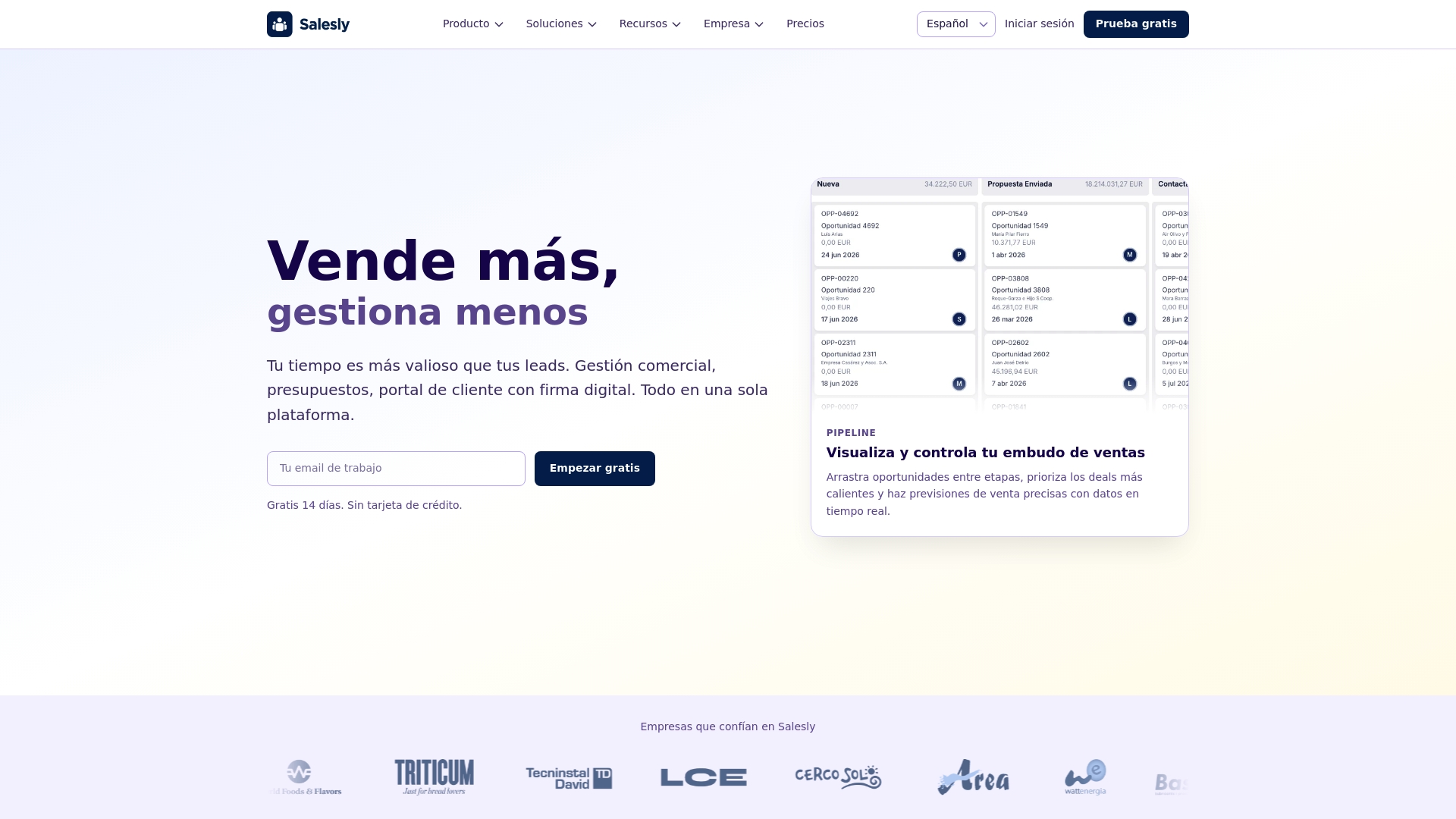
Salesly connects your commercial process end to end: from quote to order, with native integration into your invoicing ERP. Your sales team keeps working the way it always has, and finance receives clean data to generate invoices from.
- Quotes with validated tax data
- Client portal with digital signature
- One-click conversion to order
- Automatic sync with Holded and Business Central
- Analytics dashboard to monitor the whole flow
Frequently asked questions
What is a CRM with invoicing?
It is a CRM that, beyond managing contacts and opportunities, either issues invoices itself or connects to the software that does. There are two models: a CRM that invoices natively, and a CRM that syncs orders with an invoicing ERP. The second is the norm in Spain, because VeriFactu obligations fall on the invoicing software, not on the sales tool.
How do I connect my CRM to my invoicing software?
There are four routes, from most to least robust: a native integration between both products, a public API, middleware such as Zapier, Make or n8n, and manual file export. A native integration is the only one that syncs in real time and in both directions without maintenance on your side. Manual export does not scale and multiplies tax-data errors.
When does VeriFactu become mandatory?
Royal Decree-Law 15/2025, published in the BOE on 3 December 2025, postponed the start date by one year. Corporate income tax payers must comply from 1 January 2027, and all other obliged parties, including the self-employed, from 1 July 2027. The trigger is the tax regime, not turnover.
Are VeriFactu and B2B electronic invoicing the same thing?
No. They are two separate obligations with different triggers and timelines. VeriFactu (Royal Decree 1007/2023) governs how your software records each invoice and applies from 2027 according to tax regime. Mandatory B2B electronic invoicing comes from Law 18/2022, known as Crea y Crece, and is developed by Royal Decree 238/2026: that is where the 8 million euro turnover threshold actually belongs.
Does Salesly issue VeriFactu invoices directly?
No. Salesly manages the commercial process up to the order. Invoicing is handled by your ERP (Holded, Business Central) from the orders synced out of Salesly. Each tool does what it does best, and VeriFactu obligations fall on the system that issues the invoice.
Do I need to change my ERP to comply with VeriFactu?
Not necessarily. Most Spanish ERPs (Holded, A3, Sage) have already adapted their platforms, because software vendors had their own deadline on 29 July 2025. What matters is that your sales tool integrates properly with your ERP so the data arrives clean at invoicing time.
Related articles
Sales dashboard: your whole team on a single screen
Salesly's Summary brings every KPI and your whole sales team's activity onto one screen. Here's how the sales dashboard delivers daily visibility without opening ten reports.
Pipeline rot: 4 signs your pipeline is deader than it looks
Your pipeline's total value can lie to you. Discover the 4 real health indicators (activity recency, deal age, stage velocity, and contact freshness) and how to fix them.
AI agents for sales: when orders arrive on their own
How AI agents transform order intake and sales management. Real use cases, channels, and how Salesly organises the flow inside your CRM.