5 strategies to improve client management in your company

In an increasingly competitive market, the difference between closing a deal and losing it often comes down to the quality of the client relationship. A well-implemented sales platform is not just a database — it is the engine that drives your sales team.
Table of Contents
- Centralise all information
- Automate follow-ups
- Offer self-service to your clients
- Measure what matters
- Integrate your existing tools
- Metrics to track
- Common mistakes in client management
- Improve your client management with Salesly
- Frequently asked questions
Key Takeaways
| Point | Details |
|---|---|
| Centralised data | Eliminating information silos lets any team member pick up a client conversation instantly |
| Automated follow-ups | Automatic alerts for renewals and idle opportunities can lift retention rates from 70 % to over 90 % |
| Self-service portal | A client portal reduces routine calls and frees your team to focus on selling |
| Data-driven decisions | Real-time dashboards help you spot pipeline bottlenecks before they cost you deals |
| Native integrations | Connecting your existing tools eliminates double entry and reduces billing errors |
Centralise all information
The first step is eliminating information silos. When each sales rep works from their own spreadsheet, context is lost and effort is duplicated. With Salesly, all contact, company and deal information is in one place accessible to the entire team.
Picture a five-person sales team where everyone keeps their own spreadsheet of client data. One day a rep calls in sick and a colleague has to step in for a key account. Without access to the history, the conversation starts from scratch, the client repeats their issue for the third time and trust takes a hit. With a centralised sales platform, any team member can pull up the full client history in seconds and pick up right where the conversation left off.
Pro tip: When migrating to a centralised platform, start by importing your top 20 % of accounts — the ones that generate the most revenue. This lets your team see immediate value and builds momentum for a full rollout.
Automate follow-ups
Manual reminders fail. Set up automatic alerts for quote follow-ups, renewals and opportunities that have been idle too long. Your team will focus on selling, not remembering.
An office-supplies distributor managed annual renewals for 200 key accounts. The sales manager used to check an Excel list every Monday to see which contracts were expiring. Inevitably some slipped through the cracks and clients renewed with a competitor. After setting up automatic alerts at 60, 30 and 15 days before expiry, the team went from a 70 % to a 92 % renewal rate in a single quarter.
Offer self-service to your clients

Salesly’s client portal lets your clients check quotes, approve orders and review their history without calling or sending an email. Less admin work for you, a better experience for them.
Think of a technical services company that fielded an average of 15 calls a day from clients asking about the status of their quotes. Each call interrupted a rep for several minutes. After enabling the self-service portal, those calls dropped to 3 a day, freeing up hours the team redirected toward prospecting new business.
Pro tip: Promote the portal during onboarding. Send each new client a personalised welcome email with their login link and a short video walkthrough. Adoption rates are highest in the first week.
Measure what matters
You cannot improve what you do not measure. Salesly’s real-time dashboards show you the state of your pipeline, conversion rates and each rep’s performance. Make decisions based on data, not hunches.
A sales director at a mid-sized industrial firm used to review numbers at month-end and was always caught off guard. Once he started checking the analytics dashboard weekly, he noticed most opportunities were being lost at the quoting stage. He tightened follow-up timelines and conversion rates climbed 18 % within two months.
Integrate your existing tools
Your team already uses email, calendar and invoicing. A sales platform that does not integrate with these tools creates more work, not less. Salesly connects natively with Google, Microsoft, Stripe and Mailchimp.
Consider a sales team that invoiced through Stripe but logged every sale manually in their sales platform. The double entry caused constant errors and invoices linked to the wrong client. After activating the native integration, every Stripe payment was automatically reflected on the client record, eliminating duplicate data entry and cutting billing errors to practically zero.
Pro tip: After enabling an integration, audit the first 10 synced records to make sure mappings are correct. A small check upfront saves hours of cleanup later.
Metrics to track
Implementing strategies without measuring their impact is like navigating without a compass. These are the key metrics every sales team should monitor with their analytics dashboard:
- Client retention rate: the percentage of clients who repeat purchase over a given period. If retention drops, something is wrong with your after-sales process.
- Average response time: how long it takes your team to respond to a query or quote request. B2B clients expect answers within 24 hours; the best teams reply in under 4.
- Net Promoter Score (NPS): a simple survey measuring how likely a client is to recommend you. An NPS above 50 is excellent in B2B sales.
- Revenue per client: the average value each account generates. Growing this figure is usually more profitable than acquiring new clients.
- Quote-to-order conversion rate: out of every ten quotes you send, how many become orders? If the number is low, review your sales pipeline to spot bottlenecks.
Reviewing these metrics weekly lets you catch trends before they become problems and celebrate wins when they arrive. The key is consistency: a metric checked once is a data point, but a metric tracked over months tells a story that drives real improvement.
Common mistakes in client management
Knowing what to avoid is just as important as knowing what to do. These are the pitfalls we see most often in sales teams:
Over-relying on spreadsheets for client tracking
Spreadsheets are great for many things, but managing client relationships is not one of them. They have no alerts, they do not log interactions automatically and they do not scale as your portfolio grows. When a rep leaves the company, their spreadsheet leaves with them. Worse still, version conflicts mean two reps can end up working from different data for the same account, leading to embarrassing miscommunications with the client.
Not following up after the first sale
Many teams pour all their energy into closing the first deal and forget about the client once the order is signed. Yet the second sale is more profitable than the first: the client already trusts you, the acquisition cost is zero and the average deal size is usually higher. Schedule regular post-sale touchpoints, even if it is just to ask how things are going. A simple check-in call three weeks after delivery can uncover upsell opportunities and shows the client that you care about more than just the transaction.
Treating all clients the same
Not every client generates the same value or has the same needs. A client billing 50,000 a year deserves a different level of attention than one billing 2,000. Segment your portfolio, prioritise strategic accounts and allocate resources accordingly. Even something as simple as tagging clients as A, B or C tier inside your sales platform can help the team decide where to invest their time each week.
Ignoring client feedback
When a client complains, they are doing you a favour: they are telling you exactly what to improve. Teams that collect feedback systematically — through the client portal or periodic surveys — catch problems before they cause churn and uncover improvement opportunities they would never have spotted on their own.
Improve your client management with Salesly
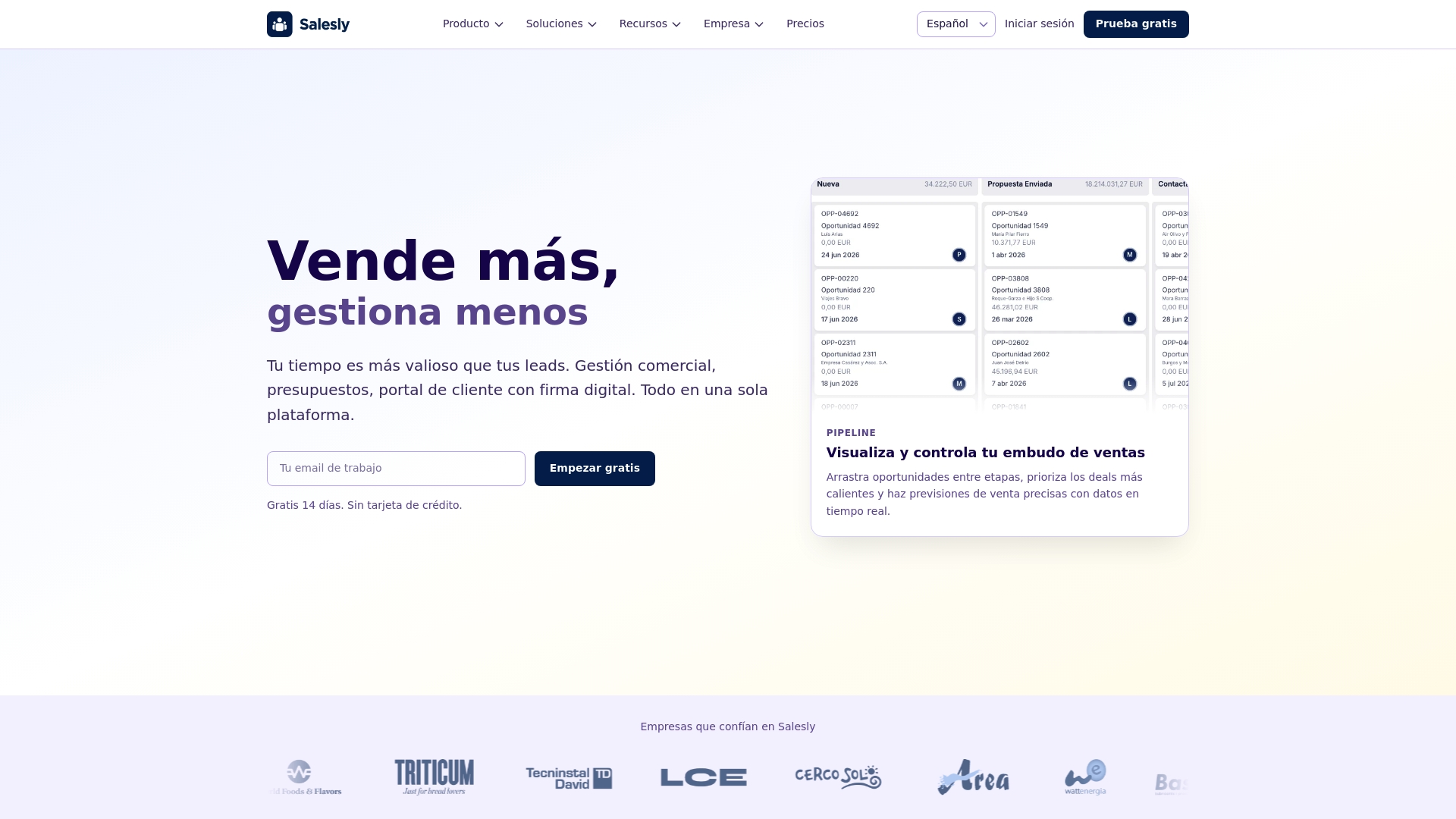
Effective client management requires technology that works for your team, not the other way around. A modern sales management platform like Salesly removes administrative friction and lets your sales reps focus on what they do best: selling.
If you want to dive deeper into structuring your sales process, check out our complete guide to the sales pipeline. And if you are ready to see these strategies in action, explore the analytics features that will help you measure each one of them.
Frequently asked questions
What is the difference between a CRM and a sales platform?
A traditional CRM focuses on storing contact data and logging interactions. A sales platform like Salesly goes further by integrating pipeline management, automated follow-ups, a client portal, analytics dashboards and native integrations — all in one tool designed specifically for sales teams.
How long does it take to see results after implementing a client management strategy?
Most teams notice improvements within the first month, especially in response times and follow-up consistency. Metrics like retention rate and revenue per client typically show meaningful gains after two to three months of consistent use.
Can small teams benefit from a sales platform, or is it only for large companies?
Small teams often benefit the most. When you only have two or three reps, losing a single client due to a missed follow-up has a proportionally bigger impact. A sales platform ensures nothing falls through the cracks, regardless of team size.
How do I get my sales team to actually adopt a new tool?
Start with the pain point your team complains about most — usually manual data entry or lost follow-ups. Show them how the platform solves that specific problem. Migrate your top accounts first so reps see immediate value, and keep the initial setup simple. Adoption grows when the tool saves time from day one.
Related articles
CRM and VeriFactu: preparing your sales process for electronic invoicing in Spain
VeriFactu will be mandatory in Spain by 2026. Learn how a sales platform with ERP integration helps you comply without changing your sales workflow.
What Is Sales Management: A Practical Guide for 2026
Learn what sales management is, its strategic functions, and how to optimize it through digitalization. A complete guide with best practices for 2026.
The Future of Sales Platforms with AI
Discover how artificial intelligence is transforming sales platforms and redefining the sales process with AI agents, predictive analytics, and automation.