Visualise your sales network on the map
Locate every contact and company on an interactive heat map. Spot high-concentration zones, identify uncovered territories and plan sales visits with real geographic data.
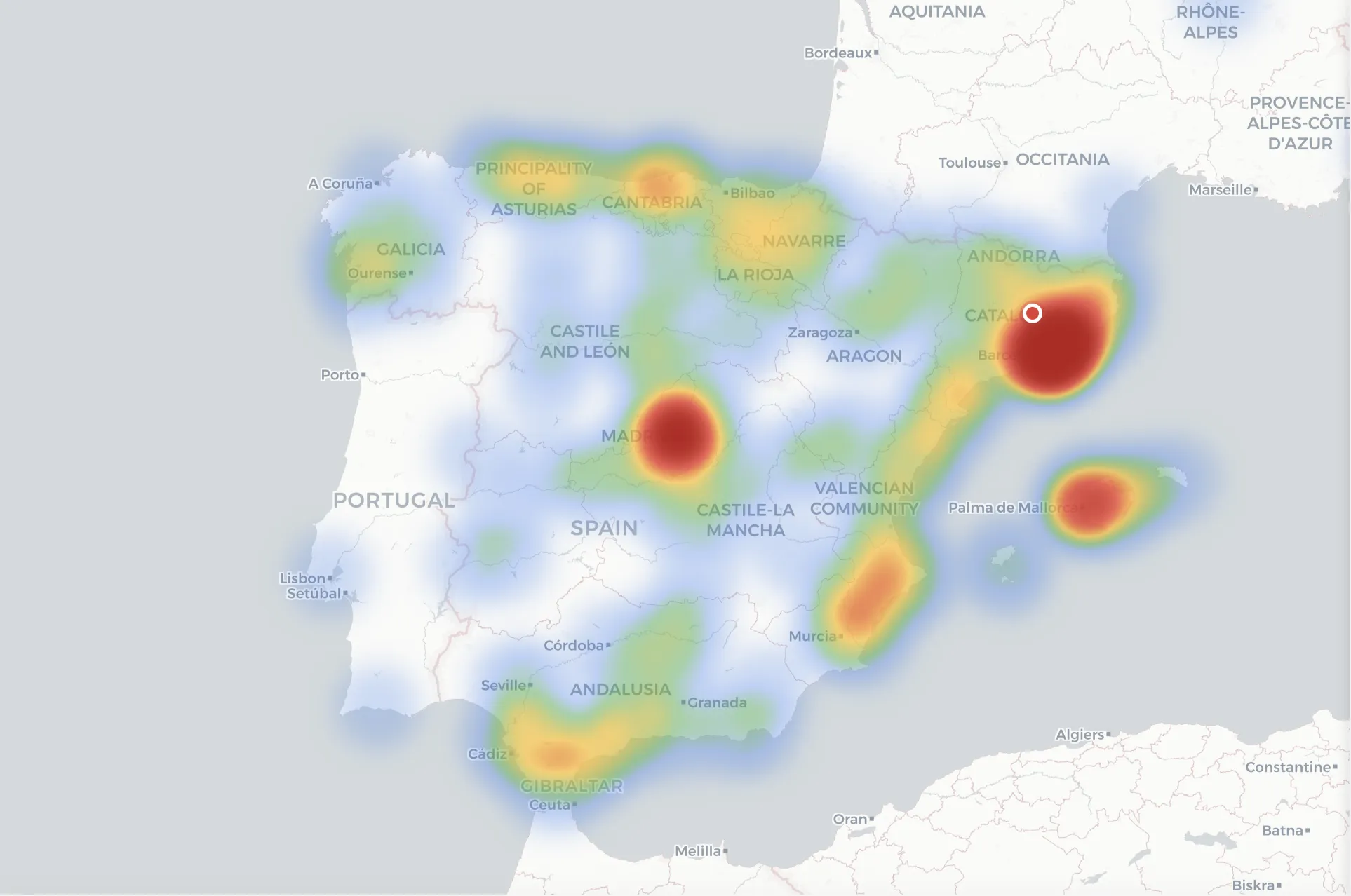
Contact heat map
Visualise contact density by geographic area. Heat clusters instantly show where your clients, prospects and opportunities are concentrated.
Segment filtering
Filter the map by contact type, opportunity status, assigned rep or campaign. Cross-reference data to uncover territorial patterns that drive decisions.
Route planning
Identify nearby client clusters to optimise in-person visits. Reduce travel and maximise your field team's time on the ground.
Geographic analytics
Side panel with per-city metrics: contact count, sales volume and conversion rate. Spot high-potential territories and underexploited zones.
Discover more Salesly modules
Learn more on our blog
Frequently asked questions about the contact map
Where does Salesly get my contacts' coordinates?
Salesly automatically geocodes the postal address of every contact and company. You don't need to enter coordinates manually — just have the address in the record.
Can I filter the map by rep or campaign?
Yes. The map respects the platform's global filters: assigned rep, campaign, contact status, segment and date range. The heat map recalculates in real time.
Does the map work with international contacts?
Yes. The map supports any geocodable address. You can visualise contacts across different countries and zoom down to street level.
Do I need a specific plan to use the map?
The contact map is included in every Salesly plan. No extra configuration or paid add-ons required.
Start selling more today
Try Salesly free for 14 days. No credit card, no commitment.